A day with your assistant
One ordinary working day, morning to close, showing where the assistant fits and why tomorrow is slightly better than today.
You will be able to run a whole working day with your assistant, from the morning brief to the evening capture, and see the loop that makes it compound.
Your first week switches things on. This page is about what an ordinary day looks like once they are. It follows one person, the owner of a small garden-design studio, through a Tuesday, and it is written so you can copy it hour for hour. Nothing here needs a setting you have not already met; if a step relies on a connection you have not made yet, the page says so.
The shape to hold onto is a loop, and how your assistant thinks explains why it is a loop and not a list.
Morning: the brief arrives#
At seven, before she is up, the Daily brief runs. If Telegram is connected and "Send me the result" is ticked on the skill, it lands on her phone; either way it is written to a page in her brain, so a missed morning loses nothing.
The brief is short on purpose. Three things that matter today, chosen against the goals page she corrected last week, not against the eleven entries in her calendar. Then what is at risk: a client quote that was promised for Friday and has not been started, and a nursery supplier whose reply has been sitting unanswered since last Thursday.
Two things make that brief possible, and both are hers to grow. The calendar and inbox come from connecting Google; without them the brief works from the brain alone. The "what matters" comes from the goals layer of her brain. A brief that keeps picking the wrong three is a goals page that is thin, and the fix is one sentence in the Terminal, covered in grow the brain.
if the brief does not arrive, the likeliest reason is that its schedule is still switched off. Every schedule ships off. The switch is on the Skills page.
Mid-morning: a draft, not a send#
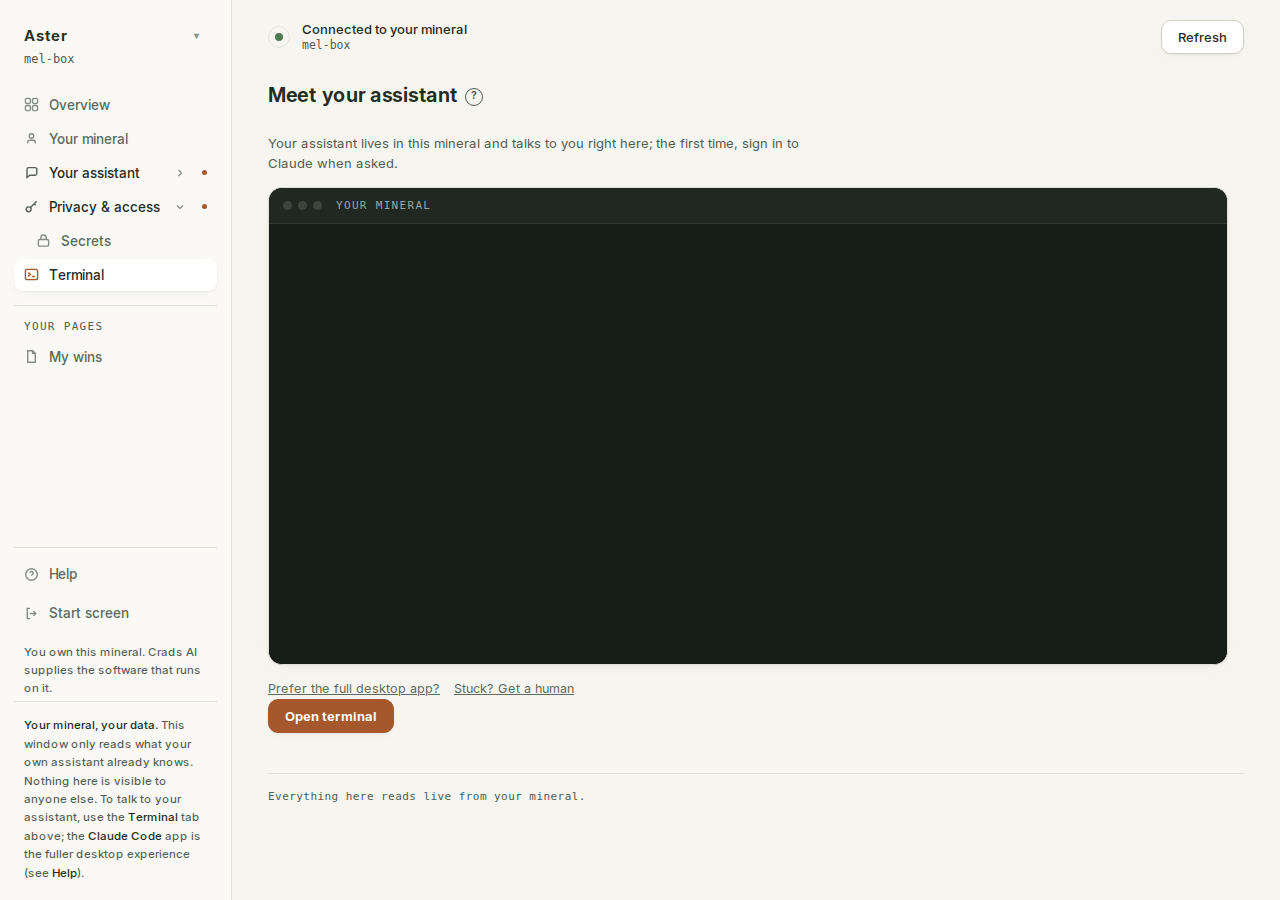
She opens the Terminal and asks for the supplier reply.
Draft a reply to the nursery about the delayed bare-root order.
We need it by the 24th or the Harrison planting slips a fortnight.
Keep it friendly, we want to keep using them.
The draft lands close, because the brain already holds the Harrison job, the supplier's page, and samples of how she writes. She changes two sentences, copies it into her mail, and sends it herself. The assistant drafts; sending is always hers. Then she tells it what she changed:
I sent this version. Learn my tone from the edits.That one line is the whole of teach it your voice. Do it a handful of times and the drafts stop needing the two sentences.
Next she wants three figures from last month's plant costs in the proposal she is writing. If the spreadsheet lives in a connected service, she asks and it reads them. If it does not, she pastes the rows into the Terminal and asks. Nothing on the mineral reaches out to the web or to a service that is not connected, which is why what you can connect is worth a look in the first week.
Afternoon: decisions go straight into the brain#
On a call at two she decides two things: the studio's day rate goes up from next month, and she is no longer taking on maintenance-only contracts. The moment the call ends, before the next thing, she types:
Capture both of those. Day rate to $950 from 1 October, and no more
maintenance-only work. Put them where the brief will read them.
Ten seconds. The assistant writes the rate into the page that holds her numbers and the boundary into her goals, and shows her what it wrote. This is the step most people skip, and it is the one that makes the difference between an assistant that knows you and one that knew you in week one. The conversation does not survive the session; the page does.
Mid-afternoon she runs /followup by hand, because she has a gap and a feeling something is slipping. It sweeps both directions: what she owes, and what is owed to her. A client who was sent a quote nine days ago and has gone quiet. A task she said she would do this week and has not started. It surfaces; it does not act. Chasing is her call.
Close: capture the session#
At the end of the day, with the Terminal still open from the afternoon, she types one command:
/captureThe assistant reads back over the day's conversation and proposes what should have been written down but was not: a new person page for the nursery contact she mentioned by name, a decision about the planting date, a task for Thursday. It shows a diff for each and writes only what she confirms. Nothing is written silently.
Then she closes the session. Tomorrow's Open is a new session, and that is fine, because everything that mattered is now in a page.
the one habit that undoes all of this is having a good long conversation, closing the window, and letting it evaporate. If it is worth knowing next week, capture it today. You cannot over-capture.
Tomorrow: the brief is a little sharper#
Wednesday's brief knows the new day rate and the new boundary. It does not suggest quoting the maintenance enquiry that came in overnight; it flags it as one to decline politely. Nobody re-typed anything. The memory grew, and the mind read it.
That is the whole return on the work. A tool is the same on day one hundred as on day one. This has been accumulating a hundred days of one studio.
Build it in waves#
If the day above sounds like more than you do now, that is because it is three waves stacked, and you add them one at a time.
- Read only. For the first week, the assistant reads and you act. The brief,
/followup, questions in the Terminal. You learn what it knows and where the brain is thin. - Drafting. Once the answers are reliable, let it draft: replies, proposals, the awkward email. You still send everything. The edits teach it your voice.
- Scheduled. When you would miss a thing if it stopped, schedule it. The brief, inbox triage, the weekly review. Deliver to Telegram so it reaches you where you are.
Read first, draft second, schedule third. The order is a trust ladder, and what it will not do is the honest account of the rungs. When a wave settles and you want a routine of your own, the five switch-on cards and seven build cards in starter recipes are the next step, and the CRIT method is how to ask for anything the cards do not cover.